
1. The Philosophy: Why Microsoft Finally Bent the Knee to Gamers
For decades, Microsoft held a monopoly. If you wanted to play AAA games, you needed DirectX, and therefore, you needed Windows. But 2025 changed everything. The success of the Steam Deck proved that Linux (via Proton) could run Windows games more efficiently than Windows itself, without the overhead of background services.
Microsoft realized a terrifying truth: If they didn't build a specialized gaming OS, Valve would steal the ecosystem. Windows 12 Gaming Edition is their answer. It is built on a modular kernel concept called "CorePC," allowing Microsoft to strip out legacy code that gamers simply do not need.
2. The Great Purge: Removing "Enterprise Bloat" & Sub-2GB RAM Usage
The most requested feature for Windows 12 was not an addition; it was a subtraction. In the Gaming Edition, Microsoft has reportedly disabled or removed the following "Enterprise" features:
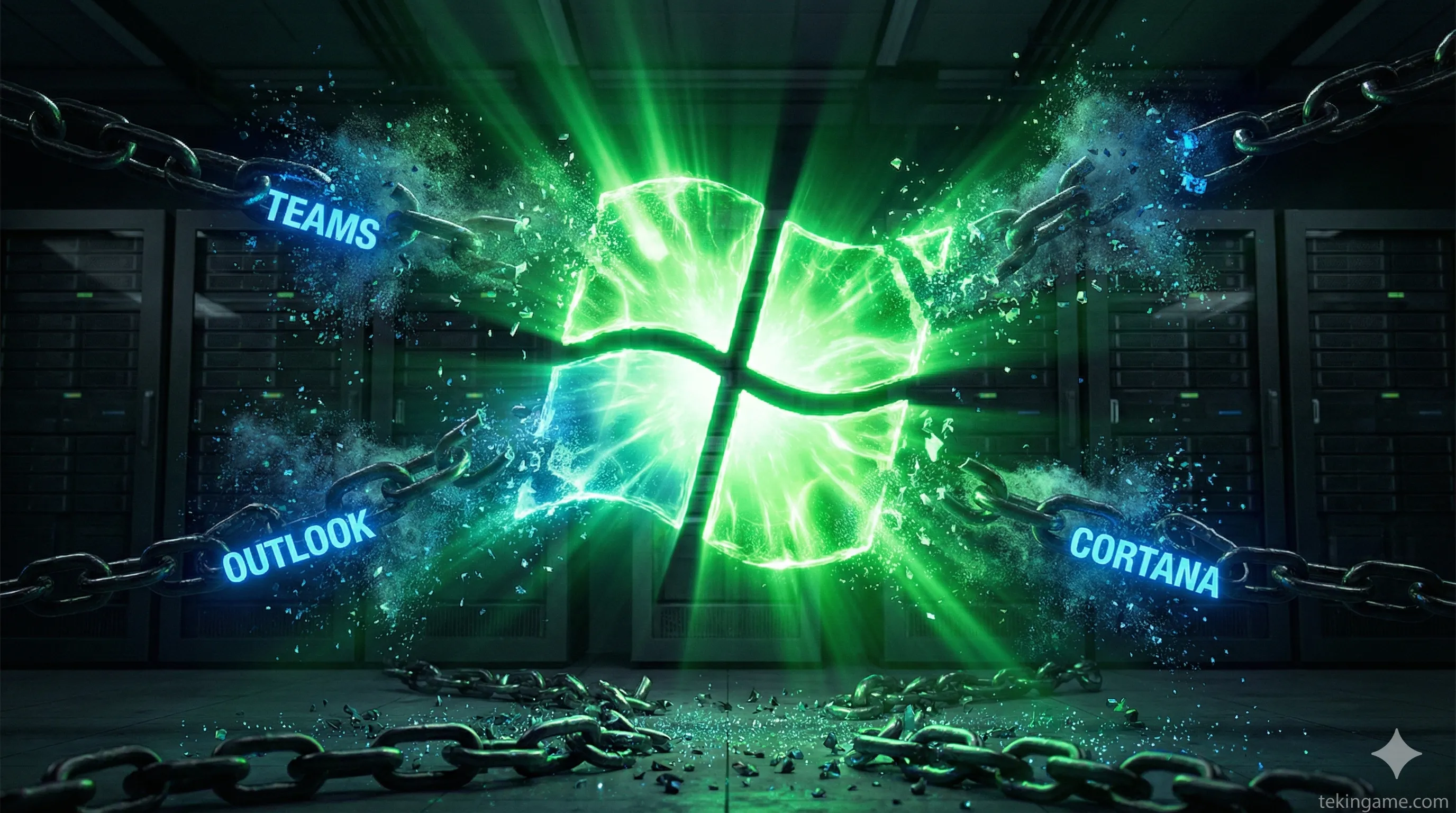
- Telemetry & Diagnostics: The constant background data logging that causes micro-stutters on HDDs and older SSDs is gone.
- Microsoft 365 Integration: No more pre-installed Teams, Outlook, or Office pop-ups.
- Indexing Search: The aggressive file indexing service is paused by default during gameplay.
- Legacy Driver Support: By dropping support for ancient printers and fax machines, the OS footprint is significantly smaller.
3. "Auto SR" Technology: Native AI Upscaling for Every Game
This is the game-changer. Until now, upscaling tech like DLSS (Nvidia) or FSR (AMD) had to be implemented by the game developer. If a game didn't support it, you were out of luck.
Windows 12 introduces Auto SR (Automatic Super Resolution). This feature lives inside the Operating System:
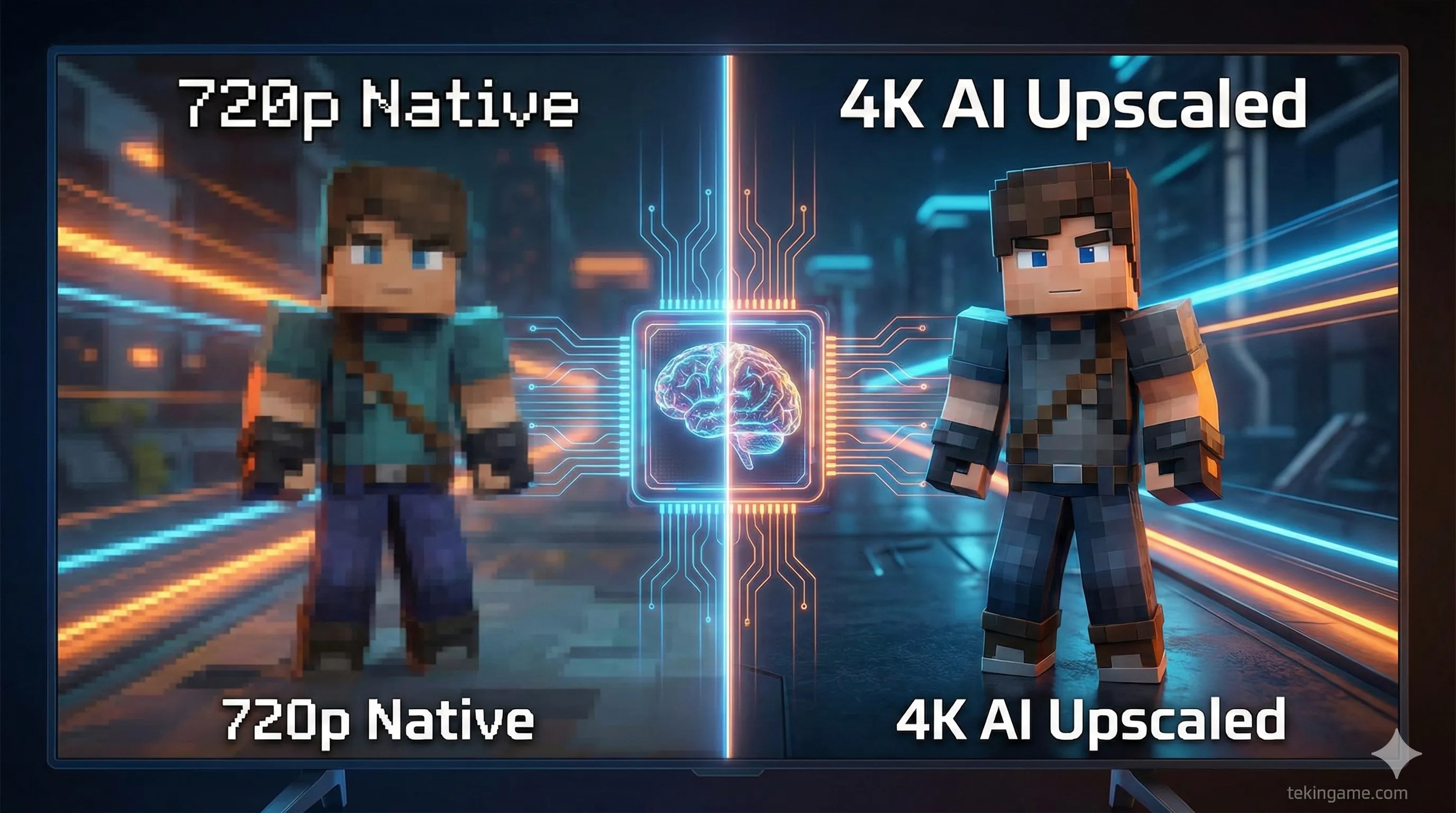
- How it works: The OS intercepts the rendered frame buffer from the game engine. Using the NPU (Neural Processing Unit) or the GPU's tensor cores, it upscales the image before sending it to the display.
- The Benefit: You can run an old DirectX 11 title at 720p, and Windows will use AI to upscale it to a crisp 4K. It breathes new life into legacy libraries without needing developer patches.
4. DirectStorage Gen 2: The End of Loading Screens
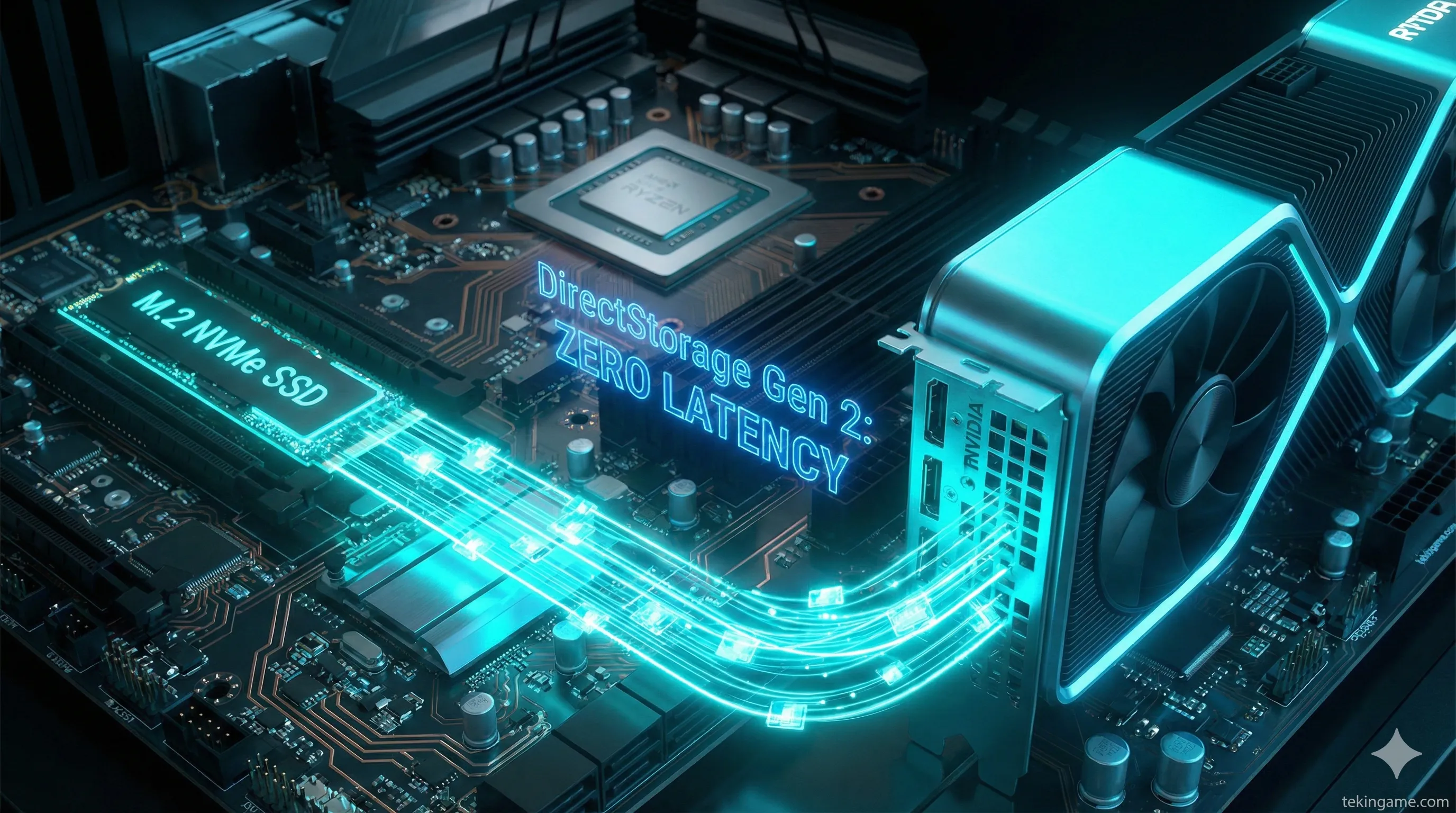
DirectStorage debuted in Windows 11, but adoption was slow. In Windows 12 Gaming Edition, it is mandatory for the OS drive.
The Pipeline Shift:
- The Old Way: SSD data -> CPU (Decompression) -> RAM -> GPU VRAM. (Bottleneck: The CPU).
- The Windows 12 Way: SSD data -> GPU VRAM (Self-Decompression).
By bypassing the CPU, games can stream high-quality assets instantly. This is crucial for upcoming titles like GTA VI, which rely on streaming massive 8K textures without loading screens. Windows 12 ensures the OS never gets in the way of the data stream.
5. Game Mode 2.0: Thread Scheduling & Core Isolation
"Game Mode" in Windows 10/11 was largely a placebo. Game Mode 2.0 in Windows 12 is a fundamental rewrite of the CPU scheduler.
When the OS detects a full-screen game:
- It creates a "High Priority Sandbox" for the game executable.
- It forces all background tasks (Discord, Browser, Spotify) onto the E-Cores (Efficiency Cores).
- It locks the game threads exclusively to the P-Cores (Performance Cores) and disables interrupt requests from other apps.
This architecture aims to eliminate the "1% Low" frame drops that ruin competitive gaming, ensuring a buttery-smooth frame time graph.
6. The "Console Shell": A New UI for the Handheld Era
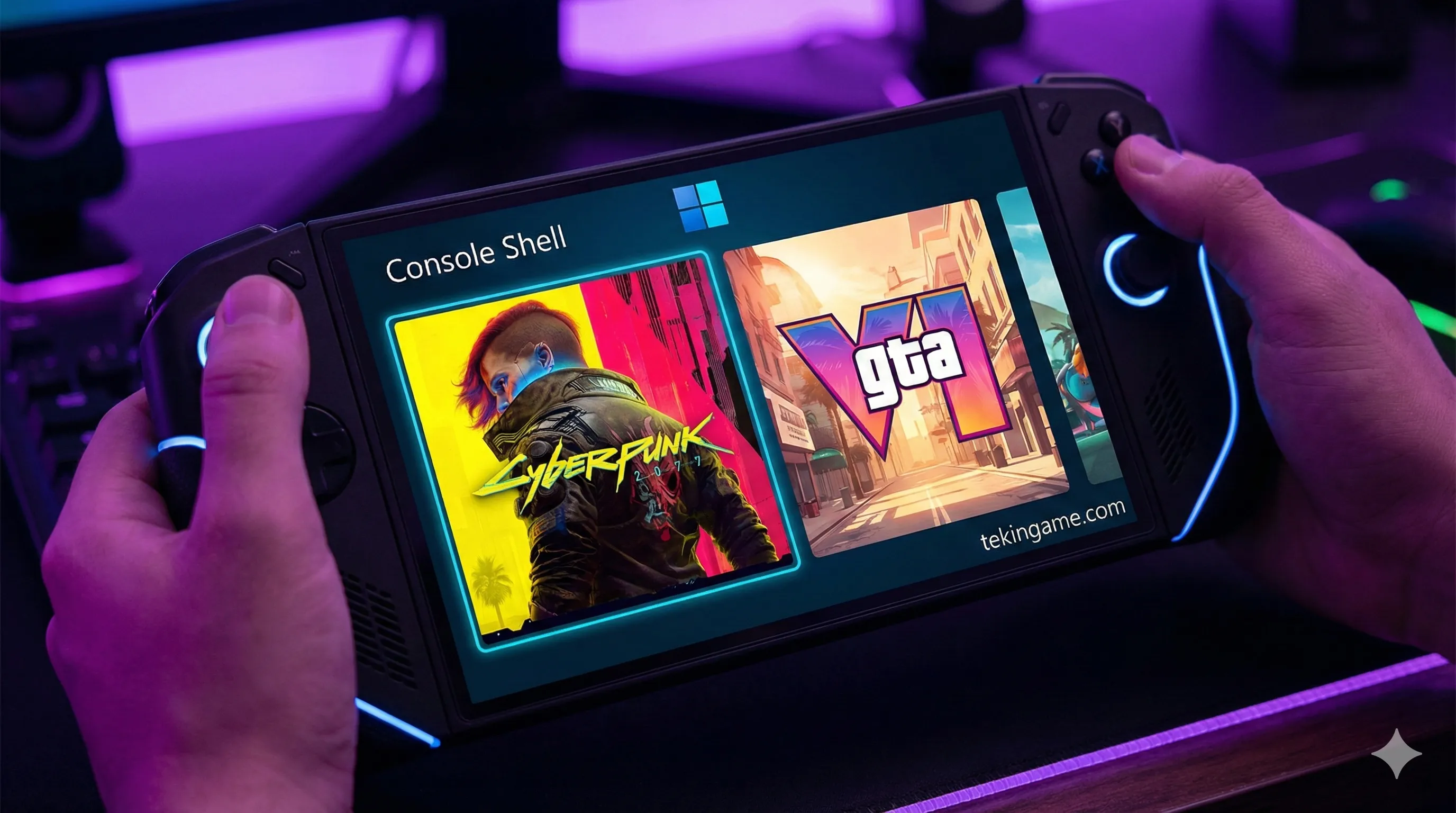
Recognizing the explosion of handheld PCs like the ROG Ally and the upcoming Xbox Handheld, Windows 12 features a dual-shell system:
- Desktop Mode: The classic mouse-and-keyboard interface, but cleaner.
- Controller Mode (The Dashboard): Activating this transforms the UI into an Xbox-like dashboard. Icons become large and touch-friendly, the taskbar vanishes, and navigation is optimized for thumbsticks. No more trying to tap tiny "X" buttons on a 7-inch touchscreen.
7. System Requirements & Launch Window
The "Gaming Edition" is lean, but it demands modern hardware to function correctly:
- CPU: Intel 14th Gen / Ryzen 7000 or newer (AVX10 instruction set required).
- NPU: Highly recommended for Auto SR features (Core Ultra / Ryzen AI).
- Storage: NVMe SSD is mandatory. The OS will likely refuse to install on mechanical HDDs.
- RAM: 16GB Minimum standard.
Release Date? Industry whispers point to Holiday 2026, aligning with the hardware refresh cycles of Nvidia's RTX 50-series and the next generation of handheld consoles.
🏁 Commander's Verdict
Windows 12 Gaming Edition is the apology letter PC gamers have been waiting for. By acknowledging that a gaming PC is not an office workstation, Microsoft is finally unlocking the true potential of our hardware.
If "Auto SR" works as advertised, it could be the biggest free performance upgrade in history.
💬 Will you upgrade to Windows 12 on day one, or stick with the devil you know? Let us know in the comments below!