
1. Vercel: The Home of Next.js and the Magic of "Zero-Config"
Let's give credit where credit is due. Vercel offers the best Developer Experience (DX) in the world, bar none. Since the Vercel team is the same team building the Next.js framework, every new feature introduced in Next.js 15 or 16 (like Server Actions or Partial Prerendering) is supported on Vercel from "Day Zero."
Key Advantages:
1. ISR and On-Demand Revalidation: No platform executes Incremental Static Regeneration as cleanly as Vercel. Global Caches are managed automatically, and you never have to worry about manually purging a CDN.
2. Image Optimization: The <Image /> component in Next.js works like magic on Vercel. Images are automatically converted to WebP or AVIF and resized based on the user's device. No config required.
3. Deployment Speed: Connect GitHub, one click, and you're live. Vercel's Preview Mode, which gives you a live link for every Pull Request, has revolutionized team code reviews.
But where is the problem?
The trouble starts when your project scales. Bandwidth and Image Optimization costs on Vercel are high. If your site is image-heavy and gets high traffic, the end-of-month bill can be a nasty shock.
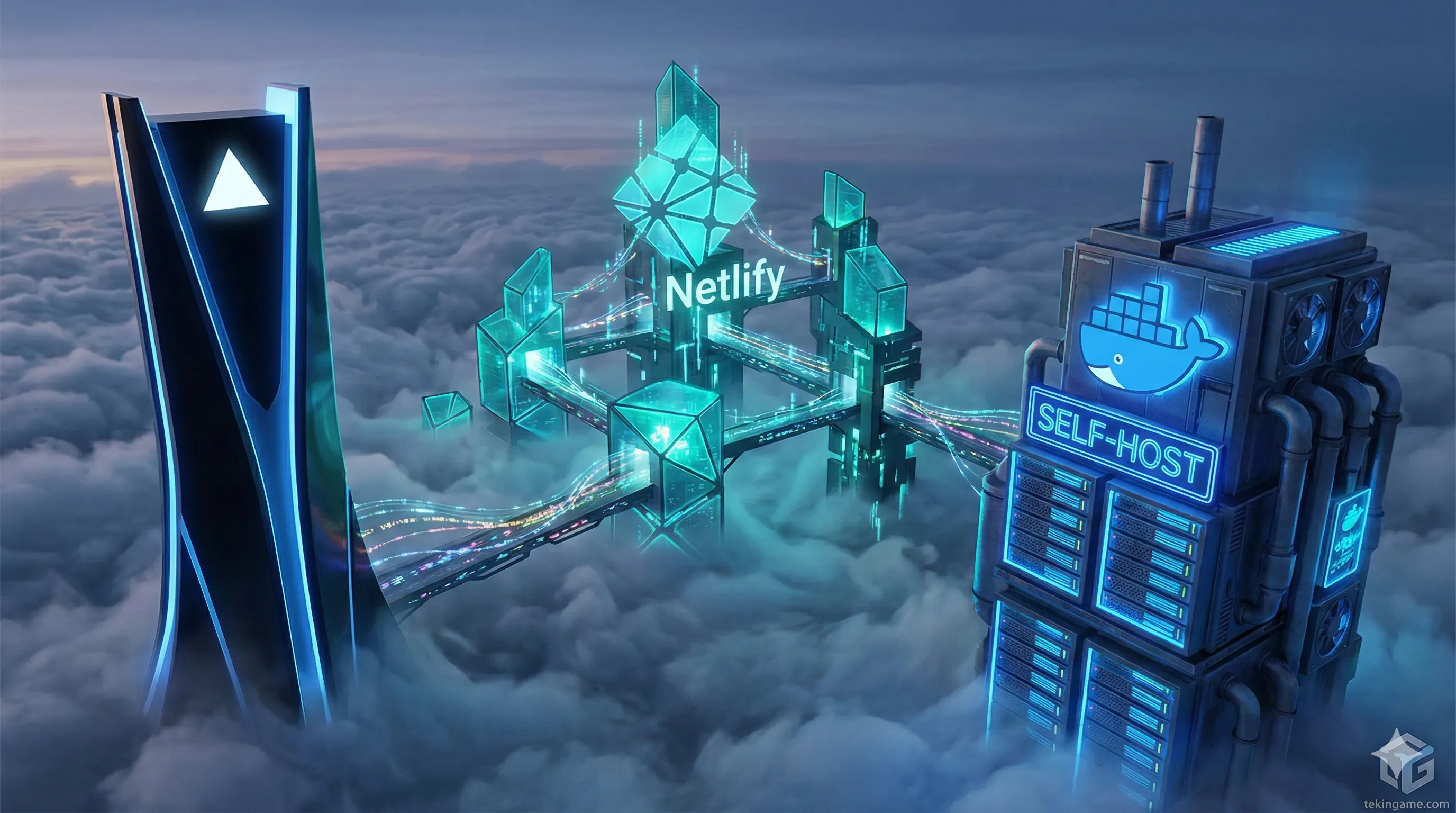
2. Netlify: The Old King of Jamstack in a New "OpenNext" Suit
A few years ago, running Next.js on Netlify was a headache. SSR capabilities were slow, and some features simply didn't work. But in 2026, Netlify has changed the game by adopting the OpenNext standard.
What has changed?
Netlify now uses an open-source adapter that translates Next.js code to run efficiently on any Lambda or Edge infrastructure.
1. Fine-Grained Caching: Netlify has rewritten its caching architecture to be compatible with Next.js cache tags.
2. More Reasonable Pricing: Generally, Netlify's generosity regarding Bandwidth and Build Minutes on free and starter plans exceeds Vercel's.
3. The Plugin Ecosystem: Netlify's plugin marketplace for SEO, compression, and security is vast and easy to integrate.
The Weakness: The "Cold Start" (the time it takes for a serverless function to wake up) is still slightly more noticeable on Netlify than on Vercel. If your site demands sub-50ms Time-to-First-Byte (TTFB), Vercel might still be the safer bet.
3. Self-Host: Absolute Power with Docker and Coolify
This is where it gets interesting. Before 2025, self-hosting Next.js was a nightmare. You had to configure Nginx, manage SSL certificates, handle Node.js processes with PM2, and worry about updates.
But now, tools like Coolify (which markets itself as an open-source Vercel/Netlify/Heroku alternative) have changed everything.
Why is Self-Hosting popular in 2026?
1. Fixed Cost: You buy a VPS (Virtual Private Server) from Hetzner or DigitalOcean (e.g., $5/month). You can run 10 Next.js sites, a Supabase database, and Redis on that same $5 server. The cost for the same setup on Vercel? Likely over $40/month.
2. Complete Freedom: You have no execution time limits. On Vercel, serverless functions time out (e.g., after 10-60 seconds). On your own server? Your script can run for an hour if it needs to!
3. Zero Latency DB: You can host your database alongside your application on the same server (via Docker) to bring network latency down to near zero.
The Big Challenge:
You are responsible for everything. If the server goes down, if you get hacked, if the disk fills up—you have to fix it. Coolify simplifies the UI, but Linux and Docker knowledge is still required.
4. The Pricing War: The Bandwidth Trap & Per-User Costs
Let's compare a scenario for a small startup with 3 developers and moderate traffic (500GB/month):
| Cost Factor | Vercel (Pro) | Netlify (Pro) | Self-Host (Hetzner VPS) |
|---|---|---|---|
| Team Seats (3 Devs) | $60 ($20/person) | $57 ($19/person) | $0 (Unlimited) |
| Bandwidth | 1 TB Included | 1 TB Included | 20 TB Included! |
| Infrastructure Cost | Free (Included) | Free (Included) | ~$7 (for CPX11) |
| Monthly Total | $60 | $57 | $7 😲 |
The price difference is staggering. If you are on a budget, Self-Host is the absolute winner. But remember, in the Self-Host option, you are paying with your "time" instead of your wallet.
5. Performance: Cold Starts & Edge Functions

Vercel:
Vercel doesn't just rely on Cloudflare; they have their own optimized Edge Network. Cold Starts on Vercel are incredibly low. New features like Partial Prerendering (PPR) mean static parts of the page load instantly while dynamic parts stream in. This is the "Gold Standard" of Next.js performance.
Self-Host (VPS):
In a self-hosted environment, you are typically running the app as a long-running Node.js Server (not Serverless).
Huge Advantage: There are NO Cold Starts! Because the server is always on and listening, the 1st request is as fast as the 1,000th request.
Disadvantage: You don't inherently have a global Edge Network. If your server is in Germany, a user in the USA will experience latency (unless you manually configure Cloudflare in front of your server, which increases complexity).
6. Vendor Lock-in: How Trapped Are You?
Using Vercel-specific features like Vercel KV, Vercel Blob, or Vercel Postgres is very tempting because it requires zero config. But take Inspector Gemini's warning seriously:
The moment you use these proprietary services, migrating away from Vercel becomes extremely difficult. Your code becomes tightly coupled to Vercel's SDKs.
My Recommendation: Always try to use independent services (e.g., Supabase for DB, AWS S3 or Cloudflare R2 for files). This keeps your frontend "Portable," allowing you to migrate from Vercel to a VPS whenever you choose.
7. Verdict: The Final Decision Matrix
So Commander, it's time to decide. Which one do we pick?

- Choose Vercel if:
- Money is not an issue, and "Time" and "Convenience" are the top priorities.
- Your project has high technical complexity and uses the latest Next.js features (like PPR).
- Your team is small and lacks a DevOps specialist.

- Choose Self-Host (with Coolify) if:
- Budget is tight (especially for teams facing currency exchange issues).
- Your project involves heavy traffic or long-running processes.
- You desire 100% control over your server and data, and you have some Linux knowledge.
- Choose Netlify if:
- You are already deep in the Netlify ecosystem and don't want to switch.
- You need longer build times on the free tier.
Majid's (TekinGame) Personal Choice:
For client projects where they foot the bill: Vercel (Zero maintenance headache).
For personal projects, our startups, and internal tools: Self-Host on Hetzner with Coolify (Because I refuse to pay $60/month just for hosting!).
🤔 What Is Your Deployment Experience?
Have you ever battled strange Vercel errors?
Have you dared to venture into Self-Hosting?
Ask your technical questions about Coolify configs or Vercel issues in the comments; Inspector Gemini answers all! 👇