
1. The Contenders: Defining Dream Screen, Sora, and Runway
Before we declare a winner, we need to understand the DNA of each combatant:
- OpenAI Sora: The Physics Simulator. Sora isn't just making a video; it's trying to simulate the physical world. Its understanding of lighting, fluid dynamics, and object permanence is unmatched. It is designed for Filmmakers.
- Runway Gen-3 Alpha: The Artist's Brush. Runway offers granular control. You can use "Motion Brush" to tell specific parts of the image where to move. It is the industry standard for Advertising and Music Videos.
- YouTube Dream Screen: The Creator's Toy. Built on Google's Veo and Imagen models, this tool is integrated directly into YouTube Shorts. It is designed for Vloggers who need a quick, dynamic background.
2. Round 1: Visual Fidelity (Cinematic Realism vs. Stylized Fun)
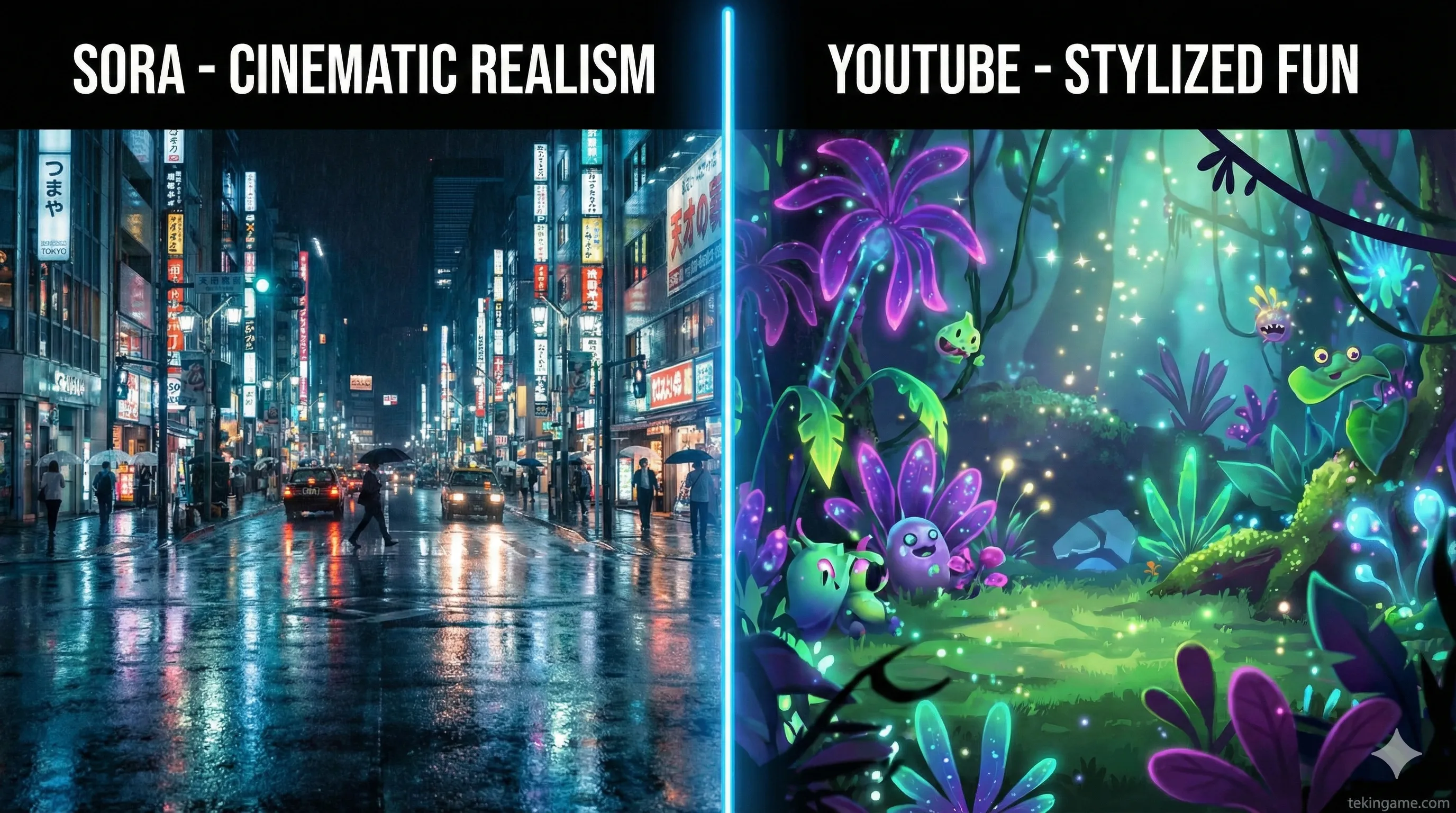
If you need a shot of a "cyberpunk detective crying in the rain" that looks indistinguishable from a Christopher Nolan movie, Sora and Runway win. They excel at photorealism.
Dream Screen, however, often produces results that are softer, slightly more "painterly," or abstract. Is this a bad thing? Surprisingly, no. When you are filming a Green Screen video, you are the subject. If the background is too realistic, it distracts the viewer. Google tuned Dream Screen to be the perfect "supporting actor"—visually interesting enough to hook the viewer, but not detailed enough to steal the show.
3. Round 2: The Workflow War (Desktop Friction vs. Mobile Speed)
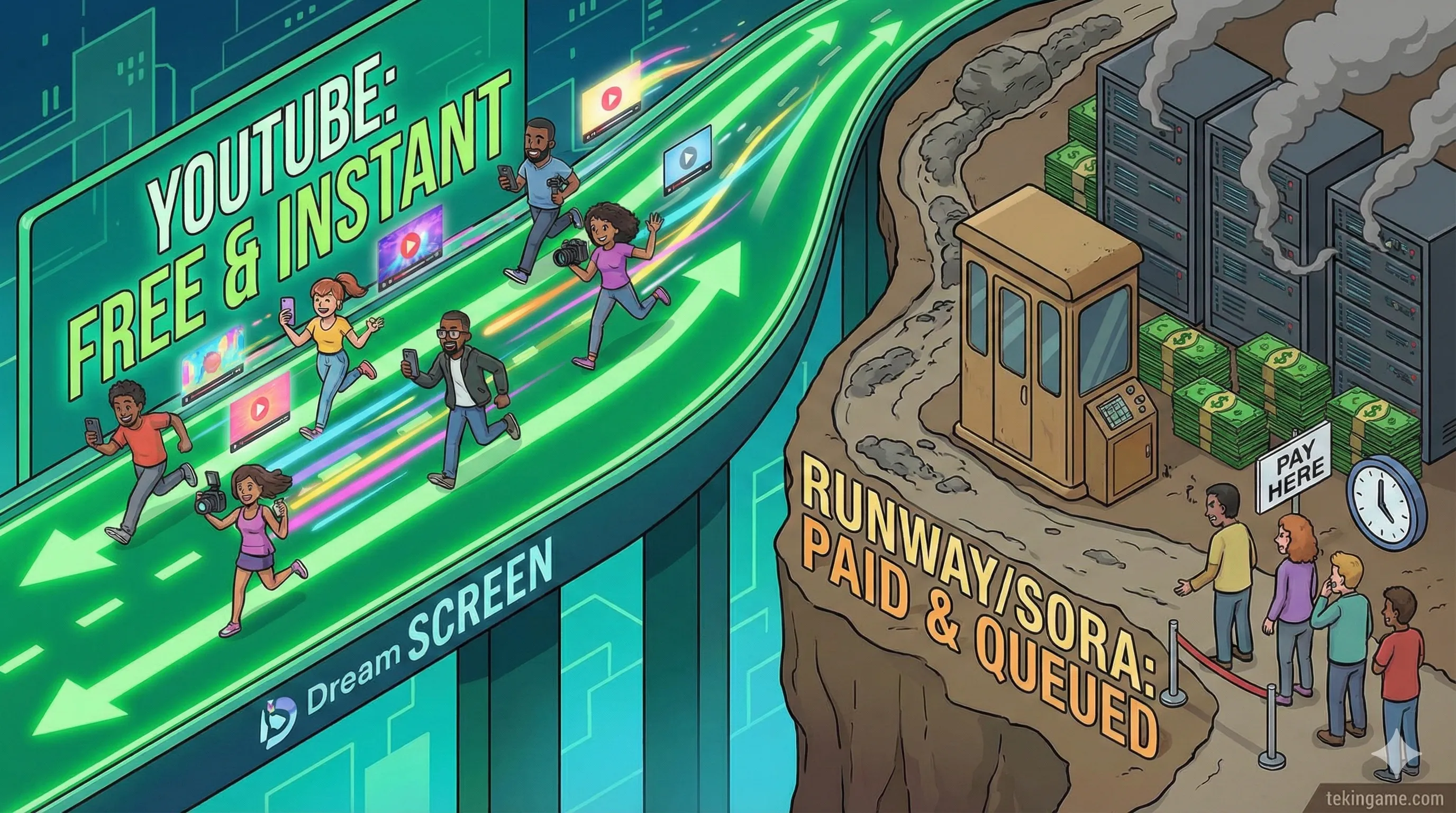
This is where Google absolutely destroys the competition.
The Runway/Sora Process:
- Log into a website/Discord.
- Type a prompt and wait 2 to 10 minutes for the server to render.
- Download the file to your PC.
- Transfer it to your phone.
- Import it into CapCut or Premiere.
The Dream Screen Process:
- Open YouTube app.
- Type prompt.
- Wait 6 seconds.
- Hit Record. Done.
For a daily vlogger, that speed difference is the difference between posting a video and giving up.
4. Round 3: The Cost Factor (The Knockout)
- Runway: To get usable resolution and remove watermarks, you are looking at a subscription starting around $15/month, scaling up to nearly $100 for heavy users. Credits burn fast.
- Sora: Likely to be gated behind ChatGPT Plus ($20/month) or a specialized tier.
- Dream Screen: 100% Free. Unlimited generations. Google is subsidizing the massive GPU compute costs to keep creators on their platform and away from TikTok.
5. Tutorial: How to Use YouTube Dream Screen
Ready to try it? Grab your phone. Here is how to generate your first AI background in 30 seconds:
- Open YouTube: Tap the (+) icon at the bottom center.
- Select "Create a Short": Do not choose "Upload Video."
- Find the Green Screen: On the right-side toolbar, tap the "Green Screen" icon.
- Activate Dream Screen: Look for the new sparkling pencil/star icon or the button that says "Dream Screen."
- Type Your Prompt: Be creative!
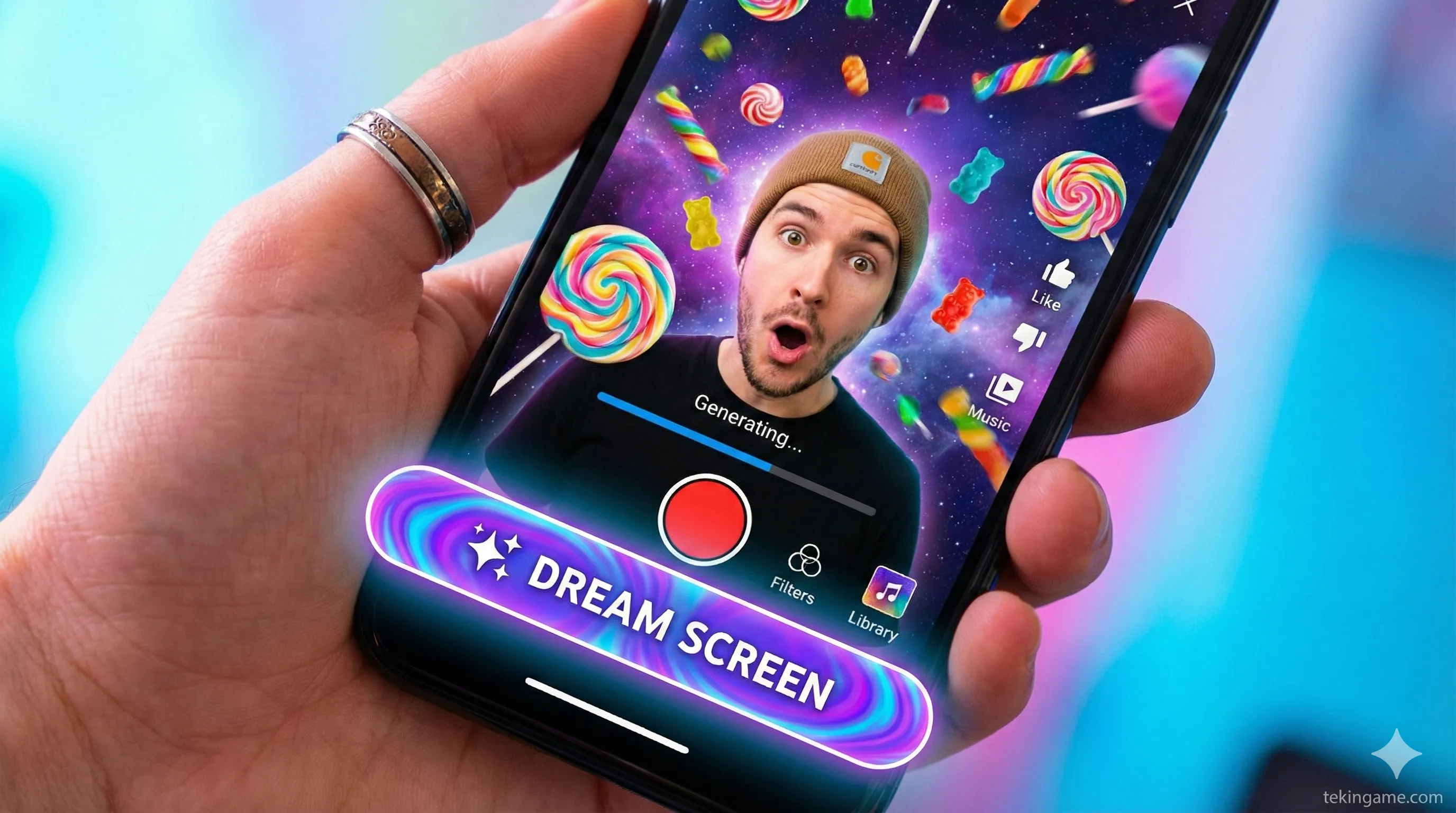
Example: "Flying through a tunnel of popcorn in outer space." - Select & Record: The AI will give you 4 variations. Tap the one you like, position yourself in the frame, and hold the red button to record.
6. Inspector's Verdict: Which Tool Should You Use?
The "best" tool depends entirely on your mission:
| Feature | YouTube Dream Screen | Runway / Sora |
|---|---|---|
| Cost | FREE | High ($$$) |
| Realism | Medium / Stylized | Cinema Grade |
| Speed | Instant (In-App) | Slow (Render Queues) |
🏁 Final Conclusion
If you are an aspiring filmmaker wanting to create the next Star Wars, pay for Runway. The control and quality are worth every penny.
But if you are a Content Creator, Vlogger, or Influencer, Dream Screen is the clear winner. It removes the friction from creation. It encourages you to be spontaneous. And most importantly, it's free. Go open the YouTube app and try it right now.
💬 What is the craziest prompt you can think of? "A rainstorm of cats"? Let me know in the comments! 👇