
1. The Reality Check: What Does GTA 6 Actually Need? (RAGE Engine 9 Analysis)
Before we spend a single dollar, we must understand the enemy. Rockstar Games has rebuilt their proprietary engine, RAGE 9, with a heavy focus on two things: Fluid Physics and Smart NPC Density.
What does this mean for your wallet? Unlike older games where only the Graphics Card (GPU) mattered, GTA 6 is CPU and RAM hungry. If you buy a $500 GPU but pair it with a weak processor, the game will stutter every time you drive into a crowded intersection in Vice City.
The Golden Rule of 2026: For a budget build, our target is 1080p resolution leveraging AI Upscaling. Trying to run Native 4K on a budget is suicide.
2. The Heart (CPU): Why the i3-15100F is the Budget King
In the current US market, we have two logical paths for a constrained budget:
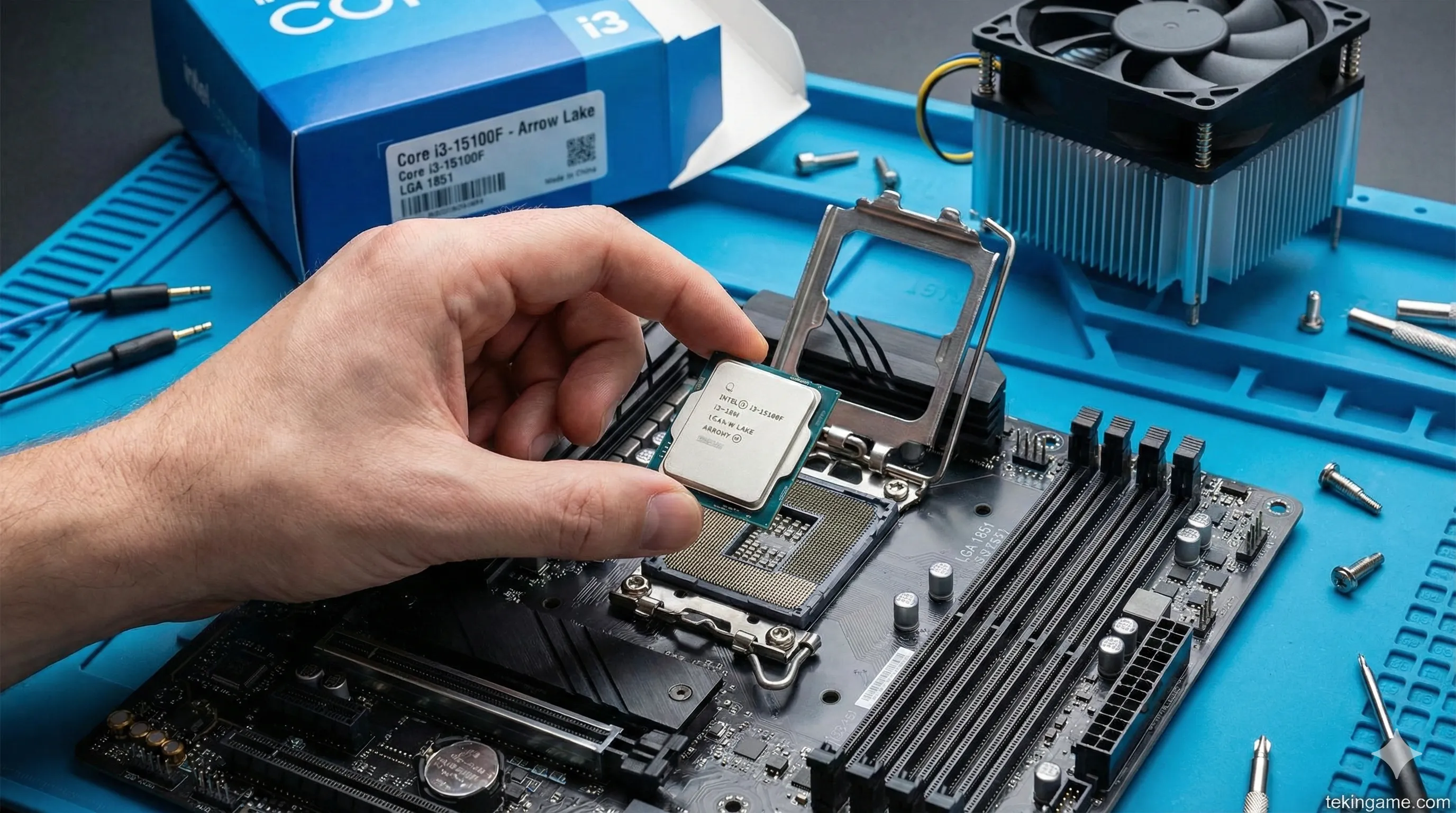
- Team Blue (Intel Core i3-15100F): Part of the "Arrow Lake" refresh, this quad-core beast clocks up to 4.7GHz. Don't let the "i3" name fool you. In pure gaming, it outperforms the older i5-12400. It costs around $115. It uses the new LGA 1851 socket, giving you a great upgrade path.
- Team Red (AMD Ryzen 5 7600): A fantastic chip, but currently hovering around $180. For a strict student budget, that extra $65 is better spent on the GPU. We are sticking with Intel for this specific build to keep costs down without sacrificing single-core speed.
3. The Engine (GPU): RTX 5050 vs. RX 9600 (The DLSS 4.0 Factor)
This is where the magic happens. In February 2026, buying a new RTX 3060 or 4060 is bad advice. You need the new architecture.
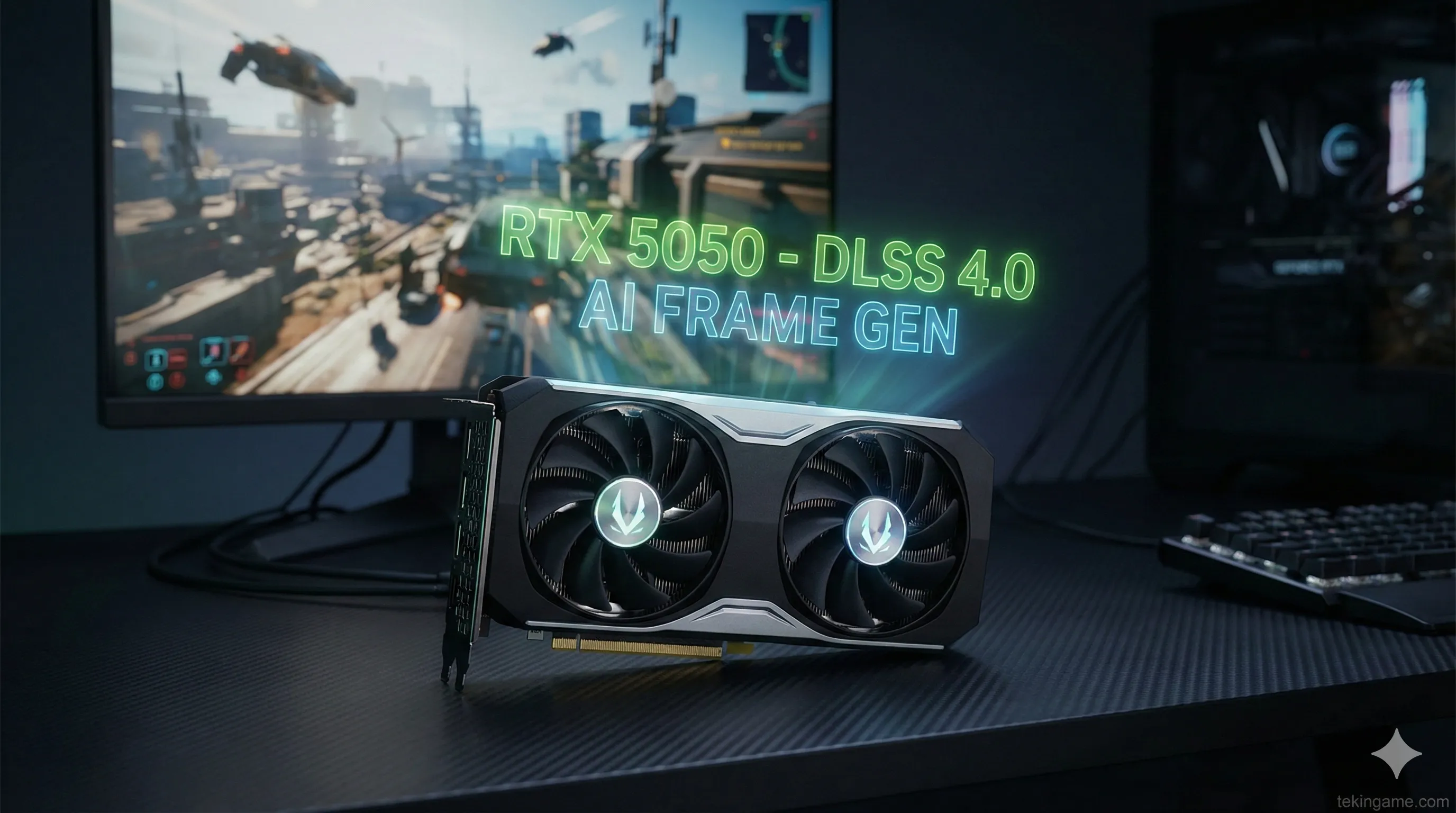
🚀 The Golden Choice: NVIDIA GeForce RTX 5050 (8GB)
Critics might say the 5050 is "entry-level." They are wrong. This card features the new Blackwell AI cores supporting DLSS 4.0.
Why it matters: In GTA 6, this card can render the game internally at 720p and use AI to upscale it to a crisp 1080p with Frame Generation. This means you get the smoothness of a $600 card for a $299 price tag.
The Rival (AMD Radeon RX 9600): AMD offers more VRAM (10GB) for a similar price. It's better for older games, but NVIDIA's superior Ray Tracing and AI suite make the 5050 the winner for next-gen titles like GTA.
4. RAM & Storage: Escaping the 16GB Trap (DDR5 Standard)
Let’s be blunt: In 2026, 16GB of RAM is the bare minimum for office work, not gaming. Windows 12 consumes 4GB by itself!
Mandatory Requirement: You need 32GB of DDR5 RAM (2x16GB sticks) running at 5200MHz or 5600MHz. Brands like TeamGroup or Silicon Power have budget kits around $85.
Storage (SSD): GTA 6 requires fast streaming of assets. HDDs are obsolete. You need a 1TB NVMe M.2 Gen 4 SSD. You can find solid options from Crucial or Lexar for about $65. Do not buy Gen 3; you need Gen 4 for DirectStorage support.
5. The Master Parts List: Your $850 Shopping Cart
Here is your shopping list for Amazon or Newegg as of Feb 2026. Prices are estimates in USD.
| Component | Recommended Model | Est. Price (USD) |
|---|---|---|
| CPU | Intel Core i3-15100F | $115 |
| MBO | ASRock B860M-HDV (DDR5) | $125 |
| GPU | Zotac RTX 5050 8GB Twin Edge | $299 |
| RAM | 32GB (2x16) DDR5 5600MHz | $85 |
| SSD | 1TB NVMe Gen4 (Crucial P3 Plus) | $65 |
| PSU | 600W EVGA/Corsair (80+ Bronze) | $60 |
| Case | DeepCool / Montech (Mesh Front) | $55 |
| TOTAL | (Tower Only) | ~ $804 |
6. Monitor Guide: 1080p or 1440p? (Don't Believe the Hype)
Building an $800 PC and connecting it to a 4K TV is like putting cheap gas in a Ferrari—it just won't work well.
The Pixel Rule: The RTX 5050 is a 1080p card. Buying a 1440p monitor for this build is a mistake that will halve your frame rate.
The Sweet Spot: Look for a 24-inch IPS monitor with a 165Hz refresh rate.
Brands like KOORUI or Sceptre offer incredible value in the $110 - $130 range. Ensure the monitor supports FreeSync or G-Sync Compatible technology to prevent screen tearing when frame rates fluctuate.
7. Where to Cut Costs: Case, PSU, and Cooling
When every dollar counts, don't waste money on aesthetics:
1. Case: Frames don't come from RGB lights. Buy a simple case with a mesh front panel for airflow. Brands like Montech offer great cases for under $60.
2. Cooling: The i3-15100F is extremely efficient (65W). The stock cooler included in the box is perfectly adequate. You do not need a Liquid AIO cooler. Save that $80.
3. Windows Key: Don't pay $100 for Windows. You can use the free version (with a watermark) legally until you can afford a key, or look for legitimate OEM keys on sale.
8. DIY Assembly: Save $100 by Building it Yourself
Pre-built PC companies charge a "Build Fee" of $100 to $150. On a student budget, that’s money you can't lose.
Building a PC in 2026 is easier than LEGO:
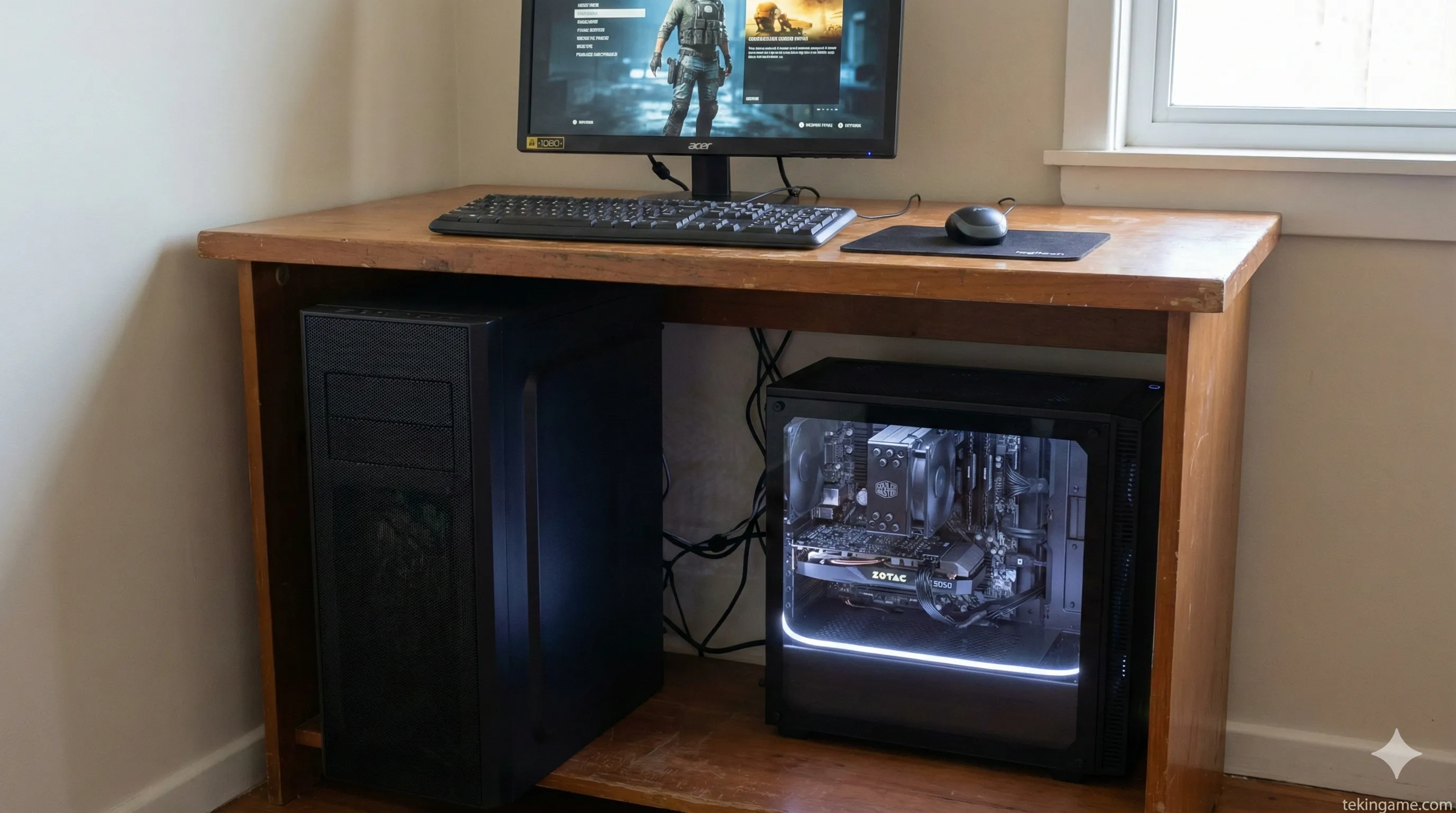
- Fool-proof Connectors: Modern power supplies and motherboards are keyed. Cables physically cannot fit into the wrong ports.
- The Driver Era: Windows 12 automatically installs most drivers. You no longer need to hunt for obscure software.
- Safety First: The only delicate part is placing the CPU in the socket. Watch a 10-minute guide on the Tekingame YouTube channel, and you'll be an expert. Pocket that $100 and buy games instead.
9. The Used Market Option: Risks vs. Rewards
If $800 is still too high, the used market is your only escape. However, beware of "Crypto-mined" cards.
Risky Suggestion: A used RTX 3080 or RX 6800 XT can be found on eBay for around $350. These cards have more raw power than the 5050 but lack DLSS 4.0/Frame Gen features and consume massive amounts of power (requiring a more expensive PSU). If you are tech-savvy and can stress-test a GPU, this path offers high rewards.
10. Performance Benchmarks: 2026 Gaming Estimates
With our $800 build (RTX 5050 + i3-15100F), what can you expect?
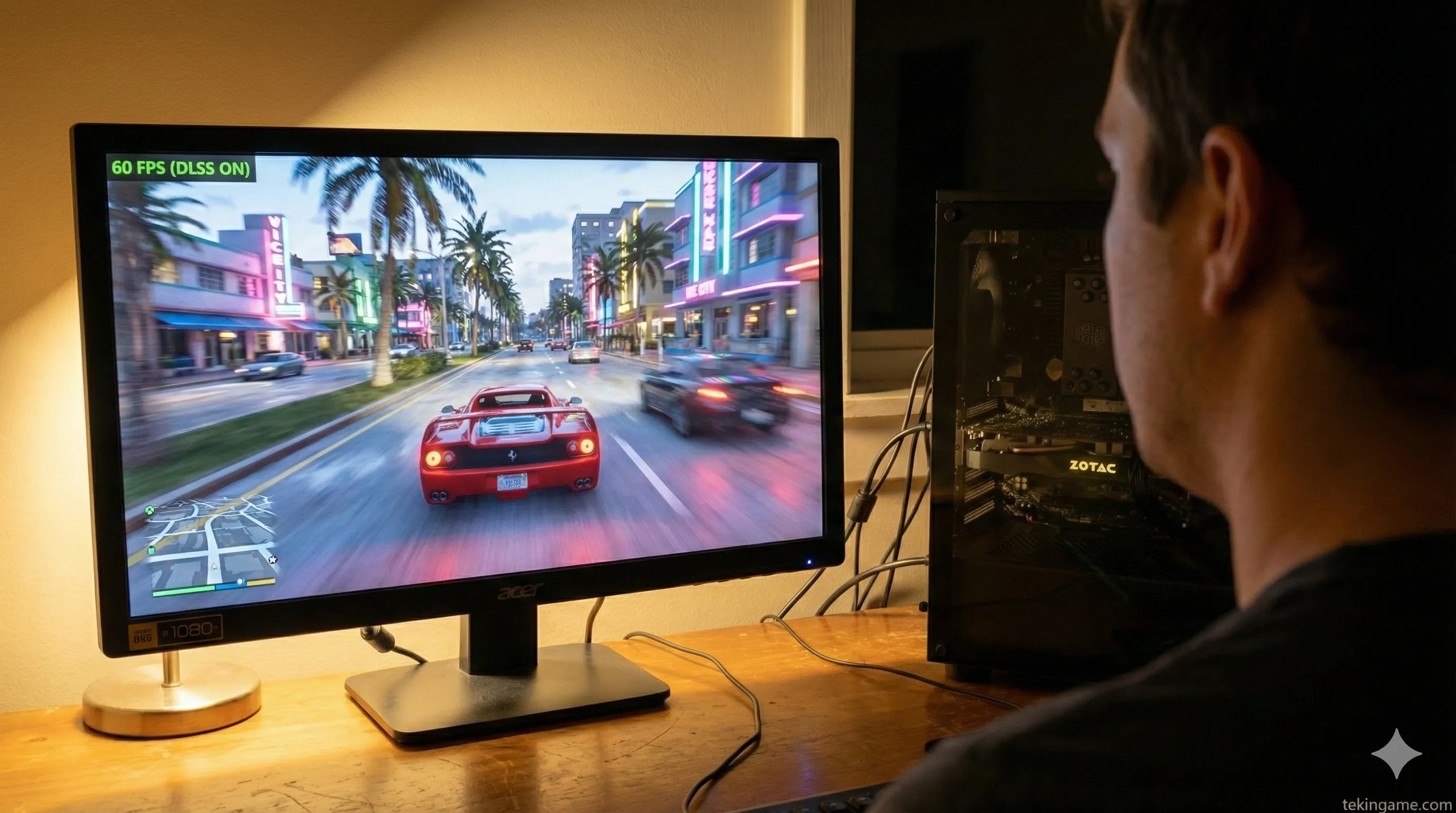
- GTA 6: Medium Settings, 1080p, DLSS Quality Mode -> 60-70 FPS. (Smooth and playable).
- Call of Duty: Black Ops 7 (2025): Competitive Settings, 1080p -> 140+ FPS.
- Cyberpunk 2077 (Path Tracing): DLSS Performance Mode -> 45 FPS. (Playable, but heavy).
11. The Upgrade Path: Keeping This Rig Alive Until 2029
The beauty of a PC is its modularity. We chose the LGA 1851 socket intentionally.
Step 1 (CPU): In 2028, you can buy a used i5-16600K and drop it into this same motherboard, doubling your processing power.
Step 2 (GPU): The 600W PSU we selected gives you headroom. You can eventually swap the 5050 for an RTX 6060 in the future without changing cables.
Step 3 (RAM): Since we are already on DDR5, you are future-proofed for the next 5 years.
🕵️♂️ Inspector's Final Verdict
In an economy where tuition is rising, building an $800 machine that runs next-gen titles is an art form.
This recommended build might not be a "Dream Machine," but it is a "Reality Machine." The RTX 5050, powered by NVIDIA's software magic, is your golden ticket to Vice City.
Final Advice: Prices fluctuate daily. If you see the GPU near MSRP ($299), pull the trigger. In the tech market, hesitation is expensive.
💬 Free Build Consultation
What is your exact budget? Drop it in the comments, and we will suggest alternatives.
Would you risk buying a used GPU? Let us know! 👇